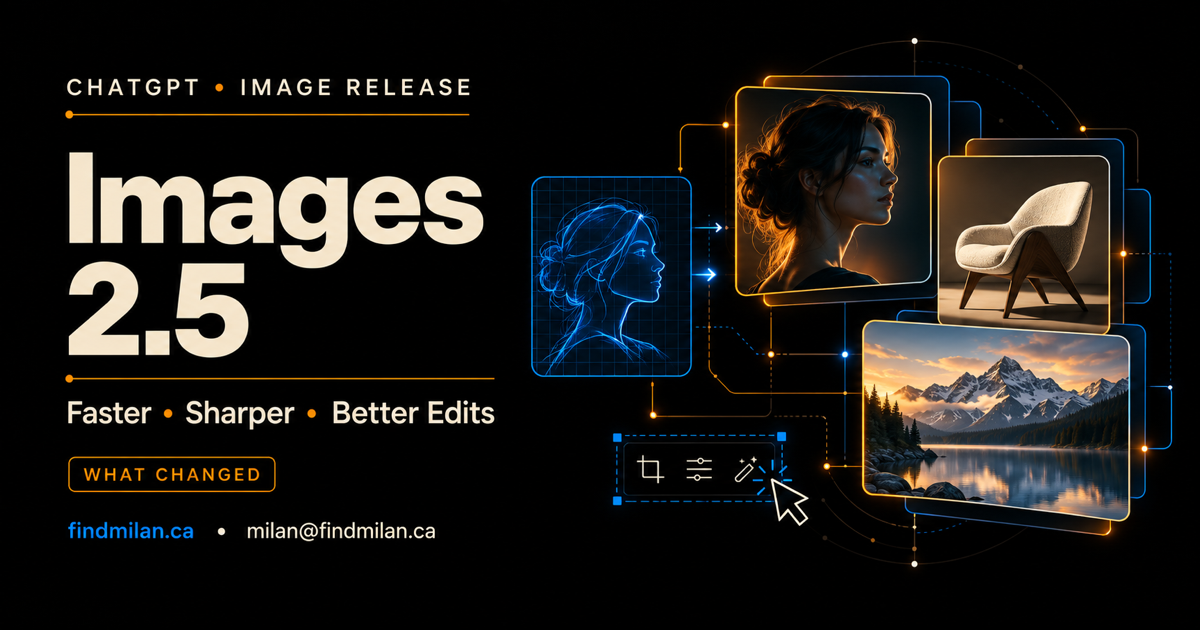
OpenAI has launched ChatGPT Images 2.5, a major update to image generation and editing across ChatGPT, ChatGPT Work, Codex, and the OpenAI API. The release focuses on the parts of AI image workflows that often create the most friction: keeping a subject consistent, changing only the requested region, following detailed creative direction, and producing a polished result quickly.
OpenAI says the new system can generate images with sharper details, richer textures, and more natural lighting while preserving people and objects more reliably across edits. It also introduces two API options—GPT-Image-2.5 Flare and GPT-Image-2.5 Sunburst—so developers can choose between speed and higher-precision creative work.
Last verified: September 8, 2026, using OpenAI’s official announcement, Help Center, and system card. Images 2.5 is rolling out, so availability and product details may differ by account while the release reaches users.
ChatGPT Images 2.5 at a glance
The release includes several connected improvements:
- sharper visual detail, more natural lighting, and richer textures;
- stronger preservation of a reference subject across generations and edits;
- more precise localized editing and better consistency over multiple edit turns;
- improved handling of complex instructions, layouts, infographics, visual styles, and transparent backgrounds;
- generation latency that OpenAI says is up to 50% lower than Images 2.0;
- new ChatGPT creation tools including
@Sketch, templates, image comments, and shareable prompts; - two API models for different speed, volume, and precision requirements.
The latency figure is OpenAI’s product claim, not an independent benchmark. Teams should measure speed, cost, acceptance rate, and correction effort with their own prompts and production assets.
What changed in image generation quality
Images 2.5 is designed to improve visual coherence rather than merely increase surface-level sharpness. OpenAI highlights more natural lighting, richer material textures, and improved detail. Those changes can matter for product mockups, campaign concepts, editorial illustrations, social graphics, and visual prototypes where a plausible composition is not enough—the image must also feel intentional.
OpenAI also says the model follows complex instructions more effectively. That may help when a prompt combines subject, setting, camera position, layout, palette, and brand constraints. It can reduce the number of cycles needed to get the overall composition right, although it does not eliminate the need to inspect typography, factual diagrams, product specifications, or brand assets.
The update also targets transparent backgrounds and infographic accuracy. These are useful improvements for design and development workflows, but an AI-generated infographic should still be treated as a draft until every label, number, relationship, and source has been checked.
Better subject preservation and multi-turn editing
One of the most practical changes is stronger preservation of subjects from reference images. Creative teams often need to place the same person, product, or visual object into several scenes without losing recognizable features between versions.
Images 2.5 is intended to hold those characteristics more consistently. It also aims to make localized edits more precise, so a request to change a background, garment, object, lighting condition, or small region is less likely to rebuild the entire image.
That reliability is especially important in multi-turn work. A useful image workflow rarely ends with the first prompt. The user may adjust composition, revise an object, change a colour, add space for copy, and then prepare alternate aspect ratios. Stronger consistency means later edits are less likely to undo earlier decisions.
There are still limits. OpenAI’s Help Center says selections in the ChatGPT image editor are not always exact, and an edit may extend beyond the highlighted area. Keep an untouched source, compare each revision, and avoid assuming that unmentioned details remained unchanged.
New creation tools in ChatGPT
OpenAI is pairing model improvements with a more collaborative creation experience.
Sketch-guided generation
The new @Sketch capability lets users begin with a rough drawing and use it as visual direction. This can make spatial intent clearer than a text-only prompt. A founder can sketch a landing-page hero, a marketer can outline a campaign composition, or a product team can indicate the position of objects before asking for a polished version.
Templates
Templates provide structured starting points for common outputs such as posters and merchandise. They can reduce blank-page work and make it easier for non-designers to begin with a format that already reflects the intended deliverable.
Comments on images
Comments can be placed directly on an image to indicate where a change should happen. This creates a clearer feedback loop than describing every location in prose and can improve handoffs between clients, marketers, designers, and developers.
Shareable prompts
Users can optionally share the prompt behind an image. Prompt sharing can make successful creative direction easier to reproduce, review, and adapt across a team. It should not replace documentation of reference assets, rights, approvals, and final production settings.
GPT-Image-2.5 Flare vs Sunburst
The API offers two models with different priorities.
| Model | OpenAI’s positioning | Best starting point for |
|---|---|---|
| GPT-Image-2.5 Flare | Default for most applications, faster workflows, and higher generation volume | Prototyping, campaign variations, product experiments, social assets, and interactive generation |
| GPT-Image-2.5 Sunburst | Higher-precision premium creative and editing, with longer generation times | Final campaign creative, detail-sensitive product imagery, complex edits, and assets where polish matters more than speed |
Flare is the sensible first evaluation for most application teams. It is intended for fast iteration and scaled workflows, which makes it useful when users generate several options or when an application needs responsive image creation.
Sunburst is the stronger candidate when preservation and final visual precision matter more than turnaround time. That does not mean it should handle every request. A production system can route early concepts and variations to Flare, then use Sunburst selectively for the smaller number of assets that need premium finishing.
OpenAI’s announcement links to its live pricing information, but the readable announcement does not provide a reliable model-specific price table. Check the official pricing page before estimating production costs, and measure the cost of accepted assets rather than only the price of one generation.
Availability in ChatGPT, Codex, and the API
OpenAI says Images 2.5 began rolling out on September 8 across all tiers of ChatGPT, ChatGPT Work, and Codex on desktop, mobile, and web. A phased rollout means two accounts may receive access at different times.
If the feature is not visible, confirm that the application is current, check the correct account and workspace, and wait for the rollout rather than assuming the account is broken. Managed organizations may also have workspace policies that affect feature access.
For API implementations, confirm that the intended project can access Flare or Sunburst before changing production traffic. Test output quality, latency, refusal behaviour, rate limits, and cost with representative prompts instead of relying on a single demonstration image.
Safety, deepfakes, and provenance
Greater realism is useful for legitimate creative work, but it also increases the risk of convincing false media involving real people, places, or events. OpenAI says Images 2.5 uses safeguards across prompts, input images, and generated outputs. A request can be refused or an output can be blocked when the system detects a policy concern.
The system card also describes C2PA provenance metadata and SynthID invisible watermarking. These signals can help platforms and investigators understand where an image came from, but OpenAI acknowledges that provenance does not have one complete solution. Teams should not treat a watermark or metadata check as the only test of authenticity.
OpenAI’s published safety results also have boundaries. The company notes that the evaluation uses a fixed adversarial test set, automated policy labels may contain errors, and sample size affects precision. Those results are useful evidence about the tested conditions, not a guarantee for every real-world workflow.
For commercial use, keep a documented process:
- confirm rights to every uploaded reference image;
- obtain appropriate consent for identifiable people;
- preserve source files and revision history;
- review faces, hands, products, typography, logos, and factual claims;
- require human approval before publishing sensitive or customer-facing imagery;
- retain provenance information where the delivery platform supports it.
How businesses can evaluate Images 2.5
Start with a bounded set of real tasks rather than a generic prompt contest. Select 20 to 50 examples from the workflow you intend to improve, including difficult cases and known failure patterns.
Evaluate both models against criteria that matter to the business:
- adherence to the complete creative brief;
- preservation of people, products, and brand elements;
- accuracy of localized edits across several turns;
- typography and factual correctness;
- generation and review time;
- refusal and blocked-output rates;
- cost per approved, usable asset;
- human correction required before publication.
The best model is not necessarily the one that produces the most impressive isolated image. It is the one that reliably produces usable work within the required time, cost, rights, and safety boundaries.
How I can help with AI image workflows
I provide AI consulting and custom AI development for teams evaluating new OpenAI capabilities, building API-powered creative tools, designing model-routing strategies, and adding review, rights, safety, and monitoring controls.
For a customer-facing product, I can also help with SaaS product engineering, workflow automation, or integrating AI features through website development and mobile app development.
Book a free strategy call to identify a practical Images 2.5 pilot for your organization.
Official sources
Frequently asked questions
What is ChatGPT Images 2.5?
ChatGPT Images 2.5 is OpenAI's September 2026 image-generation and editing release. OpenAI says it improves detail, lighting, textures, reference-subject preservation, localized edits, multi-turn consistency, and generation speed compared with Images 2.0.
Who can use ChatGPT Images 2.5?
OpenAI says Images 2.5 is rolling out across all tiers of ChatGPT, ChatGPT Work, and Codex on desktop, mobile, and web. Because the release is phased, availability can differ by account or product during rollout.
What is the difference between GPT-Image-2.5 Flare and Sunburst?
OpenAI positions Flare as the default API model for most applications, rapid prototyping, and higher-volume generation. Sunburst is intended for higher-precision premium creative and editing work, with longer generation times.
Is ChatGPT Images 2.5 always accurate?
No. Better instruction following and infographic generation do not guarantee factual images, correct typography, exact brand details, or perfectly localized edits. OpenAI also notes that selections in the ChatGPT editor are not always exact.
Does ChatGPT Images 2.5 identify AI-generated images?
OpenAI says it uses C2PA provenance metadata and SynthID invisible watermarking. These are useful provenance signals, but they should not be treated as infallible proof because files can be transformed and no single provenance method solves every case.