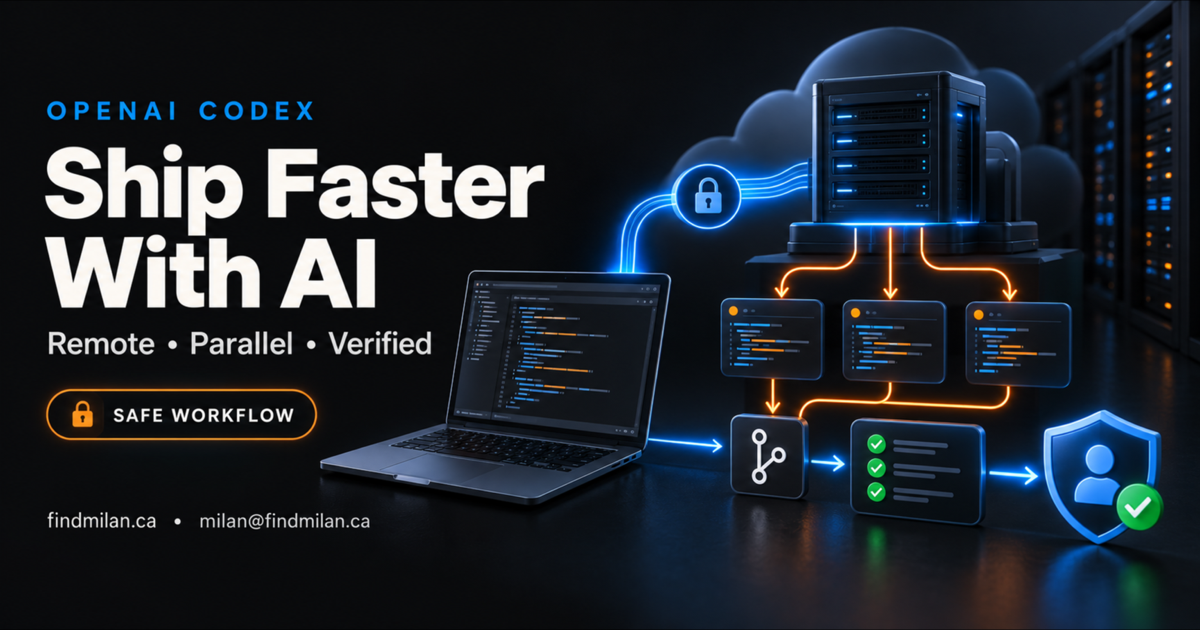
Codex can make software delivery dramatically faster, but the biggest gains do not come from a magical prompt. They come from giving the coding agent a well-designed system: a clear architecture, an isolated environment, bounded permissions, continuous Git checkpoints, automated tests, and independent review.
That is the practical lesson behind the increasingly popular “AI builds while I sleep” workflow. The headline claim that an AI setup can make someone 100 times faster is not a reliable benchmark. A well-run Codex workflow can still remove hours of repetitive implementation, testing, and debugging by shortening the feedback loop between an idea, a working change, and verified evidence.
This guide explains how to build that workflow with remote SSH, parallel Codex threads, safe credential handling, and release gates that prevent speed from turning into risk.
The Codex development workflow at a glance
The strongest setup is a loop, not a single prompt:
| Stage | What you decide | What Codex does | Evidence you require |
|---|---|---|---|
| Architecture | Boundaries, data flow, risks, and success criteria | Challenges gaps and turns the design into a task plan | Agreed technical plan |
| Environment | Local, worktree, cloud, or remote SSH | Installs and runs only what the task needs | Healthy development environment |
| Context | Requirements, constraints, existing conventions | Reads the relevant code and asks material questions | Scoped implementation plan |
| Execution | Task ownership and permissions | Edits code and runs commands | Focused diff and command output |
| Checkpoints | Branch and commit policy | Creates recoverable Git checkpoints | Small, reviewable commits |
| Verification | Tests and real user journeys | Runs automated and manual checks | Reproducible acceptance evidence |
| Release | Approval and rollback rules | Prepares the release | Human-approved deployment |
The important distinction is that a successful command is not the same as a successful outcome. A build can pass while the wrong page is deployed. An API can return 200 while a customer never receives the expected result. Codex should be asked to verify the downstream experience, not merely report that a tool ran.
1. Design the system before asking Codex to build it
Start with the architecture. Define the product’s main components, data ownership, external services, security boundaries, and the user journey that must work at the end.
A good architecture prompt should explain:
- who the product serves and what problem it solves;
- the required technologies and the parts that are flexible;
- how authentication, data storage, payments, email, or third-party APIs fit together;
- performance, privacy, accessibility, and SEO requirements;
- what Codex must not change;
- the exact evidence that will count as completion.
Ask Codex to identify assumptions and failure modes before implementation. This catches expensive misunderstandings early. Once the approach is agreed, convert it into bounded tasks that can be implemented and tested independently.
2. Choose the right Codex environment
You do not always need a remote server. The best environment depends on the task.
Local project
Use the local repository for focused work when you want direct visibility and the task can run safely on your machine.
Git worktree
Use a worktree when several independent changes need to happen in parallel. Each thread gets a separate checkout and branch, which reduces file collisions and keeps unfinished experiments away from the main working tree.
Cloud environment
Use a cloud task when the work is self-contained and can run with a prepared environment and narrowly scoped access.
Remote SSH host
Use a dedicated remote development machine when the task needs persistent compute, long-running services, a consistent operating system, or access from another device. OpenAI’s Codex remote connections documentation explains how the desktop app can connect to hosts from an SSH configuration and run projects and threads remotely.
The remote machine should be a disposable or recoverable development environment. It should not quietly become a bridge into production.
3. Secure the remote development server
Giving an agent a full computer is powerful, so put controls outside the agent’s own account and prompt.
Use this baseline:
- Create a dedicated non-root development user where practical.
- Use SSH keys and disable password login after confirming key access works.
- Restrict inbound SSH with a trusted IP allowlist, VPN, or private connection instead of exposing port 22 to the entire internet.
- Keep the cloud-provider firewall as the outer boundary and the operating-system firewall as defence in depth.
- Install only the services needed for development and bind databases or dashboards to private interfaces.
- Apply security updates, retain useful logs, and back up any state that cannot be recreated.
- Keep production networks, databases, and credentials separate.
OpenAI’s guidance on agent approvals and security is the right operating principle: match permissions and approval requirements to the consequence of the action. A test command can often run automatically. Deleting data, changing production, purchasing something, or sending an external message should require explicit authorization.
4. Give Codex context—not unlimited authority
The quality of the result depends on the quality of the operating brief. Instead of saying “build the app,” provide a compact contract:
- Goal: the exact user-visible outcome.
- Scope: files, components, and systems that may change.
- Constraints: technologies, compatibility, design, security, and performance rules.
- Prohibited actions: production changes, destructive commands, credential exposure, or unrelated refactors.
- Verification: commands, test cases, screenshots, API responses, or browser journeys required.
- Completion: the evidence Codex must return before calling the task finished.
Ask the agent to make reasonable in-scope decisions but to stop when a choice changes the product, cost, security posture, or external state. This preserves momentum without converting ambiguity into accidental authority.
5. Handle secrets with least privilege
Never paste a long-lived API token, private key, or database password into a prompt. Prompt text may be retained in logs or copied into places you did not intend.
Use a protected environment or secret manager at runtime. Give each credential the smallest useful scope and lifetime. For Git access, choose an appropriate deploy key, GitHub App, or narrowly scoped token rather than defaulting to repository administration. Separate read access from write access when the workflow permits it.
The same rule applies to cloud providers, email systems, analytics, payments, and databases: development credentials should reach development resources only. If a test needs realistic data, use sanitized fixtures instead of a production export.
6. Use parallel Codex threads carefully
Parallel agents are useful when the work can be divided without constant overlap. One thread might build an API, another may implement the interface, and a third may create tests or review documentation.
Each thread needs:
- one clear deliverable;
- its own branch, worktree, or isolated environment;
- a list of files or interfaces it owns;
- shared contracts for APIs and data structures;
- a known integration owner.
More threads do not automatically mean more speed. Closely coupled tasks create merge conflicts and contradictory decisions. Start with two or three independent tracks, then increase concurrency only when the interfaces are stable.
The final integration should run the full test suite and recheck the complete customer journey. A set of individually correct branches can still fail when combined.
7. Add an independent reviewer
A useful pattern is to assign a second Codex thread as a reviewer or watcher. It can inspect the architecture, compare the implementation with the acceptance criteria, look for security gaps, and propose missing tests while the primary thread builds.
The reviewer should have a different role, not merely repeat the implementer’s conclusion. Give it read-only access when possible and ask it to produce specific findings with file locations, reproduction steps, and severity. The implementation thread can then address the findings, but the author should not silently approve its own work.
Independent review is especially valuable for authentication, permissions, payments, data migrations, infrastructure, and changes that affect several customer journeys.
8. Use Git as a recovery system
Long-running agent work should create frequent, meaningful checkpoints. Small commits make it easier to understand what changed, compare approaches, and recover from a failed direction.
A practical policy is:
- work on a dedicated branch;
- keep generated files and secrets out of commits;
- commit one coherent change at a time;
- run focused tests before each checkpoint;
- run the full validation suite before integration;
- keep the release commit separate from production deployment approval.
Git history is a recovery tool, not proof that the product works. CI, previews, and downstream verification still matter.
9. Verify the real outcome
Ask Codex to test the same path a user will take. For a web product, that may include loading the production-like build, submitting a form, confirming delivery, testing responsive layouts, checking accessibility, and validating analytics or metadata. For an API, it may include authenticated requests, invalid inputs, rate limits, persistence, retries, and observable side effects.
OpenAI’s guidance for long-running work supports a checkpoint-driven approach: structure extended tasks so progress is recoverable, evidence is visible, and the agent can continue without losing the original goal.
The acceptance report should clearly separate:
- what was changed;
- what was tested locally;
- what was pushed or submitted;
- what was deployed;
- what was verified in the real destination;
- what still needs human approval.
A safer prompt template for Codex
Use this as a starting point:
Goal:
Deliver [specific user-visible outcome].

Context:
- Repository and relevant architecture: [details]
- Existing conventions to preserve: [details]
- Target environment: [local, worktree, cloud, or remote SSH]

Scope:
- You may change: [files and systems]
- Do not change: [boundaries]
- Do not access production or expose credentials.

Requirements:
1. [functional requirement]
2. [security/performance/accessibility requirement]
3. [integration requirement]

Verification:
- Run: [focused tests]
- Run: [full build or suite]
- Verify: [real user journey or downstream result]

Workflow:
- Inspect before editing.
- Make small recoverable checkpoints.
- Ask only when a decision changes scope, cost, security, or external state.
- Stop before deployment, destructive operations, purchases, or external messages.

Completion report:
Return changed files, test evidence, remaining risks, and the exact next approval needed.
This template makes autonomy useful while keeping authority explicit.
What should not run unattended?
Do not leave consequential work running overnight without hard limits and an approval boundary. Examples include:
- production database migrations or deletions;
- DNS, firewall, identity, or billing changes;
- purchases and paid infrastructure scaling;
- publishing content or sending messages to customers;
- security incident response with destructive containment steps;
- merging or deploying changes that have not passed the required review.
Codex can prepare these actions, validate prerequisites, and present a safe execution plan. The final action should remain gated when failure would be expensive, irreversible, or visible to someone outside the development team.
Where this workflow fits for businesses
This approach works well for startups and service businesses building internal tools, SaaS platforms, customer portals, workflow automation, AI assistants, websites, and mobile applications. The common requirement is not a particular programming language; it is a testable outcome and an environment where the agent can safely inspect, build, run, and verify.
I help teams design that complete system:
- AI consulting and custom AI development for agent architecture, model selection, evaluations, permissions, and reliable OpenAI integrations;
- workflow automation for connecting AI to business processes with approvals, monitoring, and recovery paths;
- SaaS product engineering for production-ready applications, dashboards, subscriptions, APIs, and deployment workflows;
- website development for fast, accessible, search-ready business and product websites;
- mobile app development for well-designed iOS and Android experiences with secure backend integration.
You can also review my Hermes and OpenClaw agent setup project for an example of practical agent infrastructure work.
Book a free strategy call if you want a secure Codex workflow tailored to your product, team, and release process.
Final takeaway
The best Codex setup is not the one with the most access or the highest number of parallel agents. It is the one that moves quickly because the architecture is clear, the environment is reproducible, permissions are narrow, progress is recoverable, and completion is proven with real evidence.
Build that system first. Then let Codex handle more of the implementation loop without giving up control of the decisions that matter.
Official sources
Frequently asked questions
Can Codex work on a remote development server?
Yes. The Codex desktop app supports remote SSH connections and can run projects and threads on a configured remote host. Use an isolated development machine, key-based access, network restrictions, least-privilege credentials, and approval gates instead of treating the remote server as unrestricted production access.
Is a remote VM required to use Codex?
No. Local projects and Git worktrees are often the simplest choice. A remote VM is useful when work needs dedicated compute, a consistent long-running environment, or access from multiple devices. Choose the smallest environment that can safely run and verify the task.
How should I give API keys or Git access to a coding agent?
Do not paste long-lived secrets into prompts. Store secrets in an approved runtime secret manager or protected environment, scope each credential to the minimum required repositories and actions, rotate it when appropriate, and keep production credentials out of ordinary development work.
Can several Codex agents work on the same project at once?
Yes, but each task should have a clear owner and an isolated branch, worktree, or environment. Parallel work is most effective when tasks are independent and a designated integration step resolves conflicts, runs the full test suite, and verifies the combined result.
Does Codex make software delivery fully automatic?
Codex can automate substantial implementation and verification work, but consequential actions still need controls. Production deployments, destructive database changes, purchases, external messages, and security-sensitive changes should use explicit approval, audit logs, rollback plans, and human review.