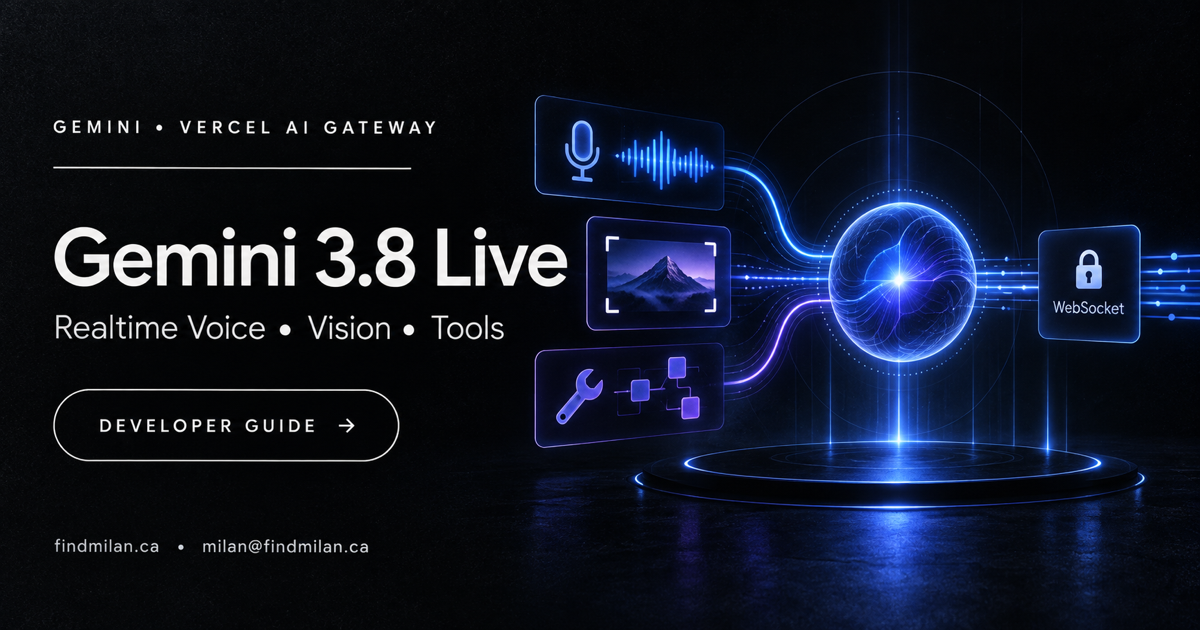
Gemini 3.8 Live and Gemini 3.8 Live Extended Thinking became available through Vercel AI Gateway on September 15, 2026. The models are designed for realtime spoken applications that can listen, respond with audio, use visual context, and call tools while a conversation continues.
The practical change is not simply another text model in a model list. Developers can now build a voice or multimodal experience through Vercel’s AI SDK realtime API while using AI Gateway for a unified access layer. That can simplify authentication, usage tracking, provider controls, and production operations—but it does not remove the need to design the conversation, permissions, privacy controls, and fallback behavior carefully.
Source note: This guide reflects Vercel’s official announcement and documentation available on September 15, 2026. Realtime APIs, model identifiers, supported capabilities, pricing, quotas, and availability can change. Verify the current Vercel and Google documentation before shipping a production implementation.
Gemini 3.8 Live at a glance
| Detail | Gemini 3.8 Live | Gemini 3.8 Live Extended Thinking |
|---|---|---|
| Vercel model ID | google/gemini-3.8-live |
google/gemini-3.8-live-extended-thinking |
| Primary experience | Low-latency spoken and multimodal interaction | Spoken interaction with parallel multi-step reasoning |
| Audio input and output | Yes | Yes |
| Visual grounding | Yes | Vercel lists the model for realtime multimodal use |
| Language behavior | Automatic switching across 97 languages | Realtime speech with extended reasoning |
| Tool use | Background tool calls while conversation continues | Reasoning and tool-oriented workflows |
| Connection pattern | Short-lived token plus WebSocket | Short-lived token plus WebSocket |
These models belong to the same realtime product family, but they target different interaction needs. Standard Gemini 3.8 Live is the more direct starting point for responsive conversation. Extended Thinking is intended for requests where the system needs additional reasoning without leaving the user in silence.
What changed on Vercel AI Gateway
Vercel AI Gateway already supported realtime voice, speech generation, and transcription. The September 15 announcement adds Google’s Gemini 3.8 Live models to that realtime layer.
Vercel highlights four capabilities for google/gemini-3.8-live:
- realtime audio conversations;
- visual grounding for multimodal context;
- automatic switching across 97 languages;
- background tool calls while the conversation remains active.
For google/gemini-3.8-live-extended-thinking, Vercel adds parallel multi-step reasoning. The model can acknowledge the request and communicate progress while continuing to work, instead of forcing a long silent pause before responding.
That pattern is useful for assistants that need to check a database, inspect account information, compare options, or coordinate several tools. The user can receive an immediate acknowledgement while the system completes the slower part of the task.
How the realtime connection works
Vercel’s published example uses the AI Gateway provider and a WebSocket client. The application requests a short-lived token for the chosen model, creates the model adapter, opens the WebSocket, and exchanges structured realtime events.
The basic flow is:
- install the current
@ai-sdk/gatewaypackage and a WebSocket client; - request a short-lived realtime token for the selected model ID;
- use the model adapter to obtain the WebSocket URL and protocols;
- send a session configuration describing the required output modality;
- send conversation items as structured client events;
- parse server events for audio, transcript updates, completion, and errors;
- close or recover the session cleanly when the conversation ends.
This event-based approach is different from making one ordinary HTTP request and waiting for one complete answer. The application must handle a continuing session in which audio, text, tool activity, interruptions, errors, and user input can overlap.
What developers can build
Gemini 3.8 Live is relevant when voice or camera context is part of the product—not when audio is being added only because it is new.
Customer-support assistants
A realtime assistant can listen to a customer, retrieve approved account or knowledge-base information, and speak a response. The tool layer should remain narrow: reading an order is different from cancelling it, issuing a refund, or changing personal data.
Field-service and operational tools
Technicians can describe a problem while showing equipment through a camera. Visual grounding may help the model discuss what is visible, while tools retrieve manuals or record an inspection. Safety-critical conclusions still need deterministic checks and qualified human review.
Multilingual intake
Automatic language switching can make an intake experience more accessible to multilingual users. Teams should test real accents, mixed-language speech, names, addresses, industry terminology, and noisy environments rather than relying on a clean demonstration.
Voice interfaces for web and mobile apps
Websites and mobile products can offer hands-free navigation, guided onboarding, accessible form assistance, or spoken search. A good implementation must still provide text, keyboard, screen-reader, and touch alternatives.
Agent workflows with progress updates
Extended Thinking can support longer tasks in which the assistant confirms the request, explains what it is checking, and returns the result when the work completes. Progress messages should reflect actual system state rather than invented activity.
Standard Live or Extended Thinking?
Choose based on the work the application performs, not on which model name sounds more advanced.
| Use standard Live when | Consider Extended Thinking when |
|---|---|
| Fast conversational turn-taking is the priority | Requests require several reasoning or tool steps |
| Answers depend on direct context or one quick lookup | The system must compare or reconcile multiple results |
| Lower interaction complexity is valuable | Acknowledgements and genuine progress narration improve trust |
| The pilot needs a simpler failure surface | The team can measure the value and cost of deeper reasoning |
Extended reasoning can improve difficult outcomes, but it can also increase latency, token or compute usage, orchestration complexity, and the number of states the interface must explain. Benchmark both routes on the same real tasks before setting a default.
Production risks teams should test
Realtime AI combines several systems that can fail independently: microphone access, audio encoding, networking, model inference, speech generation, tools, authentication, and the product interface.
Tool permissions
A spoken request can be ambiguous. Separate read actions from write actions, restrict every tool to the smallest useful scope, validate tool arguments, and require confirmation before consequential changes. Never allow webpage, document, email, or tool output to expand the agent’s authority.
Privacy and consent
Voice and camera input may contain personal, confidential, or bystander information. Tell users what is being captured, what will be sent to providers, what is stored, and how they can stop or delete a session. Review provider terms and regional requirements for the exact deployment.
Interruption and turn-taking
Users speak over assistants, pause mid-sentence, change their minds, and experience background noise. Test cancellation, barge-in behavior, duplicated events, delayed packets, reconnection, and whether an interrupted tool action can accidentally continue.
Incorrect progress narration
An assistant should not claim it is checking a system when no tool call started, or say a change is complete before the downstream service confirms it. Generate status messages from verified workflow state whenever possible.
Accessibility
Voice should be an additional interface, not the only interface. Provide visible transcripts, clear focus states, keyboard controls, captions where appropriate, readable error messages, and a text path for users who cannot or do not want to speak.
Cost and observability
Track cost per completed user outcome, not only cost per session minute or model request. Measure connection failures, first-response latency, interruptions, tool errors, retries, user abandonment, and the percentage of sessions that require human recovery.
A safe pilot plan
1. Select one narrow conversation
Choose a task with a clear beginning and end, such as answering a product question or collecting non-sensitive appointment details. Avoid giving the first version broad access to customer accounts or production actions.
2. Create an evaluation set
Include quiet and noisy audio, different accents, language switching, ambiguous requests, long pauses, corrections, unsafe requests, tool failures, and network interruptions. Define the expected outcome and escalation behavior for every case.
3. Add least-privilege tools
Start read-only. Use short-lived credentials and server-side authorization. Require explicit confirmation for changes, payments, messages, bookings, or data deletion.
4. Instrument the full session
Record structured events for connection state, latency, model route, tool calls, errors, user cancellation, and final acceptance. Protect sensitive audio and transcripts through appropriate retention and access controls.
5. Compare both Gemini routes
Test standard Live and Extended Thinking against identical tasks. Compare successful completion, latency, user corrections, tool accuracy, cost, and reviewer effort.
6. Release gradually
Begin with internal users or a small controlled audience. Keep a text fallback and a human handoff. Define automatic rollback thresholds for errors, latency, unsafe tool behavior, or poor user outcomes.
How I can help build a realtime AI product
I provide AI consulting and custom AI development for teams evaluating Gemini, OpenAI, Anthropic, and other model routes; designing realtime experiences; securing tools; and measuring production quality.
I can also build the customer-facing product through website development, mobile app development, SaaS product engineering, and workflow automation. The AI Web Awards platform is one example of turning AI capabilities into a focused, production-ready web experience.
Book a free strategy call to plan a small realtime AI pilot with clear permissions, accessibility, observability, and rollback criteria.
Official sources
Frequently asked questions
What is Gemini 3.8 Live on Vercel AI Gateway?
Gemini 3.8 Live is a realtime multimodal model available through Vercel AI Gateway. It supports spoken conversations, visual grounding, automatic language switching, and tool calls over the AI SDK realtime API.
What is Gemini 3.8 Live Extended Thinking?
The Extended Thinking model adds multi-step reasoning that can run alongside speech. Vercel says it can acknowledge a request and communicate progress while longer reasoning continues.
Which model IDs does Vercel use?
Vercel documents google/gemini-3.8-live and google/gemini-3.8-live-extended-thinking as the two AI Gateway model IDs.
Does Gemini 3.8 Live use WebSockets?
Yes. Vercel's realtime quickstart uses a short-lived token and a WebSocket connection to send conversation events and receive audio, transcript, completion, and error events.
Should a business immediately deploy Gemini 3.8 Live to customers?
No. Start with a narrow pilot and test latency, transcription quality, language switching, tool permissions, interruption handling, accessibility, privacy, costs, and failure recovery before a public rollout.