Muse is presented as a personal AI agent that can work across connected apps, not only answer questions in a chat. Meta’s iPhone listing describes help with scheduling, email, shopping, fitness, and longer tasks, while saying users approve consequential actions. If you want to try it, this guide explains the public product information and shares Milan’s referral code with the offer terms clearly disclosed.
What Muse says it can do
The official Muse from Meta App Store listing describes an assistant that can connect to email, calendar, social, health, fitness, and finance apps a user chooses. It lists examples such as organizing schedules, setting reminders, tracking budgets, comparing prices, planning tasks, and continuing work after the app is closed.
The listing also describes approval before actions like spending, sending, or sharing, an activity log, and the ability to revoke a connector. Those controls matter because an agent with access to accounts can affect real-world information and transactions. Read each permission request and check what the approval actually covers before connecting an account.
This is a source-based first look, not a hands-on product review. I have not independently tested Muse’s features, token accounting, or current referral eligibility.
Milan’s referral offer: 1 billion tokens for each person
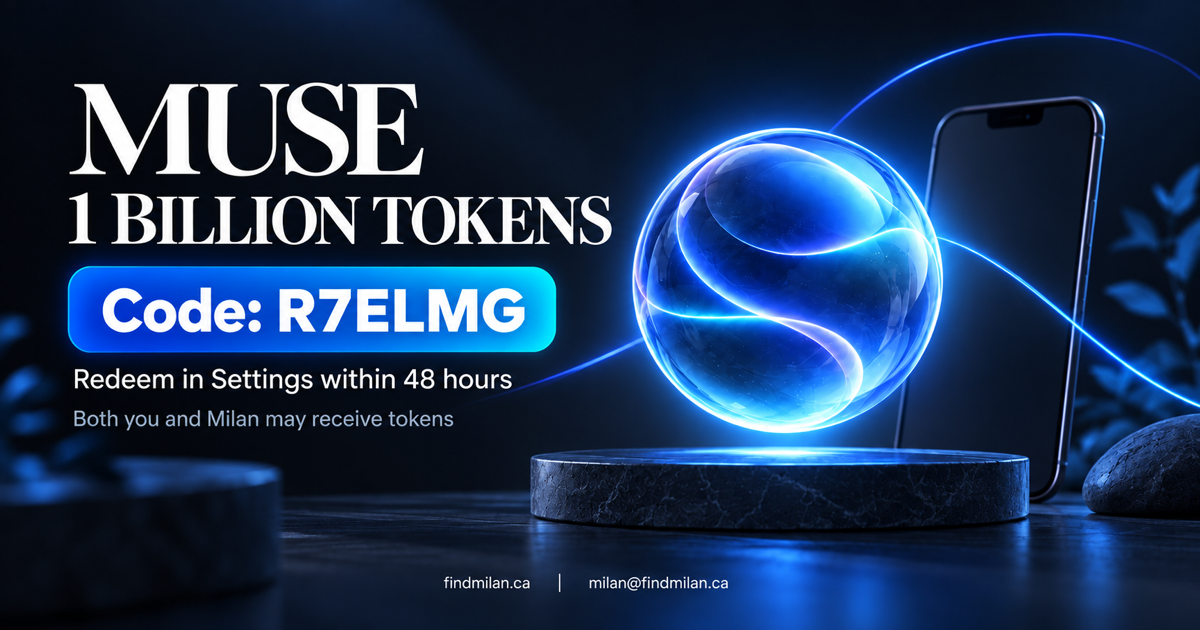
The offer text shared with this link says that both the person joining and Milan receive 1 billion Muse tokens when the new member redeems the code in Settings within 48 hours of joining. This is a mutual referral benefit: using the code may reward Milan too.
Referral code: R7ELMG
Join Muse: muse.ai/join
To try the offer:
- Open the Muse join page and choose an available way to access Muse.
- Create or sign in to your account.
- Within 48 hours of joining, open Settings and enter
R7ELMGin the referral-code area. - Check the app for confirmation and the credited token balance.
The amount and time window above come from the referral offer supplied for this article, not from a public terms page we could independently inspect. Offers can have eligibility rules or change. Confirm the current in-app terms before connecting accounts or counting on the reward.
Review privacy and permissions before connecting apps
Muse’s App Store privacy information is a developer-provided disclosure; Apple notes that it has not verified those practices. The listing indicates that data categories may be handled for purposes including functionality, analytics, personalization, and advertising. The categories and purposes can vary with the features used.
Before linking email, finance, health, calendar, or social accounts, review Meta’s current privacy details, the specific connector permissions, and the actions that require approval. Start with a low-risk task and avoid sharing information you would not want the service to process. An approval prompt is useful, but it does not replace checking what information an agent can read or what actions it can take.
Is Muse worth trying?
Muse may be worth exploring if you want an assistant designed to coordinate tasks across connected apps. Its advertised scope is broader than a basic question-and-answer chat, but actual usefulness will depend on supported integrations, the permissions you grant, and how reliably it completes your tasks. The app listing itself cautions that Muse may be inaccurate or take unexpected actions, so check its work and intervene when needed.
If you use Milan’s code, remember the mutual-referral disclosure and verify the offer inside your account. For help evaluating where AI agents fit into a real workflow, see FindMilan’s AI consulting and custom development or explore the Hermes and OpenClaw agent setup project.
Sources
- Muse from Meta — official join page
- Muse from Meta — Apple App Store listing and developer privacy disclosure
- Muse from Meta — Google Play listing
The referral amount, code, and 48-hour redemption window are reproduced from the invite details provided to FindMilan. This article is not sponsored by or affiliated with Meta, and the referral may benefit Milan if it is successfully used.
Frequently asked questions
What is Muse from Meta?
Muse is listed by Meta Platforms as a personal AI agent for iPhone. Its listing describes connected-app assistance for tasks such as scheduling, reminders, research, shopping, and managing selected personal information, with user approval for actions.
How do I use Milan's Muse referral code?
Join through the referral link, then enter R7ELMG in Muse Settings within 48 hours of joining, following the offer details supplied with the link. Check the app for current eligibility and credited balances; referral terms can change.
Do both people receive the advertised 1 billion tokens?
Milan's shared referral offer says both the new member and referrer receive 1 billion Muse tokens when the code is redeemed within 48 hours. We have not independently verified the offer's current eligibility rules or account credit, so confirm the terms in Muse before relying on it.
Does Muse take actions without asking?
Meta's App Store description says actions such as spending, sending, or sharing require approval and that connected apps can be revoked. Review each permission and approval screen yourself before linking sensitive accounts.