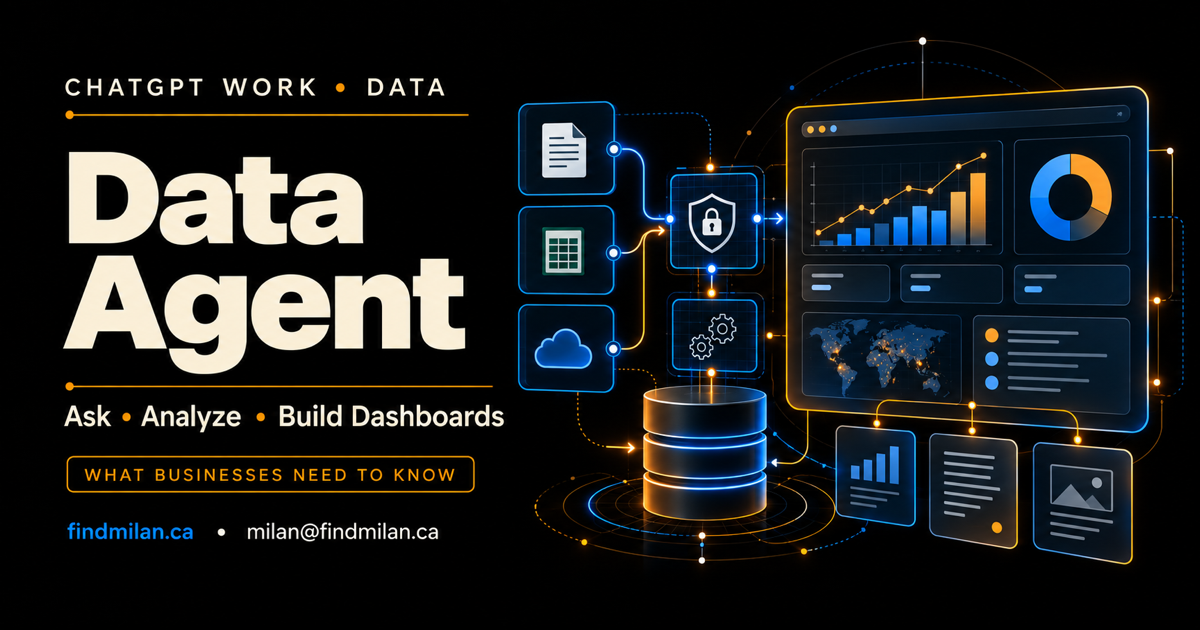
OpenAI introduced the Data agent for ChatGPT Work on September 10, 2026. The plugin connects to approved company data, investigates business questions, shows the evidence behind its findings, and creates interactive dashboards that teams can edit, share, and refresh.
The promise is straightforward: a business user can ask why sales changed, where spending increased, or which customer problems threaten renewals without first writing SQL or waiting for a custom report. The difficult part is making sure the answer uses the right definitions, respects permissions, and can be audited before it influences a decision.
Source note: This article reflects OpenAI’s launch material available on September 10, 2026. Plugin availability, supported data connections, plan access, and administrator controls may change. Confirm the current ChatGPT Work and workspace documentation before rollout.
ChatGPT Work Data agent at a glance
The Data agent is listed as Data in the ChatGPT Work Plugins directory. OpenAI says it can:
- connect to approved databases, observability systems, files, and documents;
- use business terms, metric definitions, calculations, and data relationships;
- investigate questions through follow-up analysis;
- expose evidence behind a finding;
- create interactive dashboards with built-in visualizations;
- build or interact with dashboards in supported business-intelligence tools;
- recommend next steps and identify relevant participants;
- share findings through connected tools and take approved actions.
This is not simply a chatbot reading a spreadsheet. It is an agentic analytics workflow that combines data access, semantic context, analysis, presentation, and optional actions. Each layer introduces value—and a separate control that the organization must validate.
Which data sources are supported?
OpenAI’s launch announcement names approved data sources including:
- Amazon Redshift;
- Datadog;
- Google BigQuery;
- ClickHouse;
- Databricks;
- MongoDB;
- Snowflake;
- Google Drive;
- SharePoint.
It can also use semantic context and trusted business definitions from systems such as Databricks Genie Ontology, dbt, GitHub, Snowflake Horizon, and existing BI dashboards.
For dashboard workflows, OpenAI lists Omni, Oracle BI, Power BI, Sigma, Tableau, and ThoughtSpot. The exact connection and capability available to one workspace may differ from another, so administrators should verify the plugin listing and permissions in their own environment.
Why semantic context matters
A database column rarely explains the business on its own. Terms such as “active customer,” “qualified opportunity,” “net revenue,” or “resolved ticket” may have specific definitions, time windows, exclusions, and ownership rules.
The Data agent can use semantic layers and trusted sources so its analysis reflects those established definitions. That is important because a technically valid query can still produce the wrong business answer if it counts the wrong records or joins data at the wrong grain.
Before rollout, document:
- the authoritative definition of each core metric;
- the source of truth and data owner;
- approved joins and calculation logic;
- refresh schedules and expected delays;
- access restrictions and sensitive fields;
- known data-quality limitations.
The agent should not be the first place where the organization decides what a metric means. It should consume definitions that the organization already governs.
How the analysis workflow works
OpenAI describes a conversational process rather than a one-shot answer.
Ask a business question
A user begins with a question such as “Why did renewals decline last month?” or “Where did operating spend increase?” The best prompt should include the period, business unit, comparison baseline, and desired output.
Investigate and review evidence
The Data agent examines connected sources and allows follow-up questions. Users can inspect the evidence behind a finding instead of accepting a summary without context.
Build a dashboard
The analysis can become an interactive dashboard with visualizations. Teams can edit, share, and refresh it, and can provide brand guidelines for the output. Supported BI integrations can bring the result into tools the organization already uses.
Move from insight to action
The agent can recommend next steps, identify who should be involved, share findings through Slack or email, and use connected tools for actions that the user approves. This is where strong permission and confirmation design becomes especially important: reading a metric and changing a business system are different levels of risk.
Permissions and governance
OpenAI says enterprise administrators choose which data connections are available and which roles can use them. Queries enforce the connected account’s existing permissions, including table-, row-, and column-level restrictions.
That is an important foundation, but production readiness still requires local verification. Test with users who have different roles and confirm that each one can access only the intended records, fields, documents, dashboards, and actions.
Use a least-privilege rollout:
- begin with read-only connections;
- exclude unnecessary personal, financial, health, and secret data;
- use role-specific accounts rather than a shared unrestricted credential;
- require explicit approval before sending, writing, or updating anything;
- log the source, query, calculation, result, user, and action;
- define retention for prompts, outputs, and exported dashboards;
- run access tests whenever a connector or role changes.
A dashboard can look polished while containing information the viewer should never have received. Visual quality is not evidence of correct authorization.
Data quality and hallucination risk
The agent can improve access to analysis, but it does not remove the need to validate data. Errors can come from several places:
- stale or incomplete source data;
- conflicting metric definitions;
- incorrect joins or aggregation levels;
- missing filters or comparison periods;
- inaccessible tables or documents;
- ambiguous natural-language questions;
- generated explanations that overstate the evidence.
For important decisions, require the result to show the source, time range, filters, calculation, and relevant uncertainty. Compare a sample of answers with trusted reports and analyst-reviewed queries. If the agent and the official dashboard disagree, investigate the definition and data path before choosing the more convenient number.
What businesses can use it for
OpenAI presents examples across adoption, retention, operations, product growth, finance, sales, and spending. Practical starting points include:
- weekly operating reviews;
- funnel and campaign analysis;
- customer-support volume and recurring issue detection;
- product adoption and retention investigation;
- spending and budget-variance review;
- staffing and capacity planning;
- data-quality and reporting-error discovery.
The best first use case is valuable but reversible. A read-only weekly analysis is a safer pilot than allowing an untested agent to change records, contact customers, or make financial decisions.
My XReporter operations and reporting system demonstrates the same underlying principle: useful reporting depends on reliable operational data, clear workflows, and outputs that the people responsible for the work can understand. AI can accelerate that loop, but it cannot compensate for missing ownership or inconsistent data.
How to install the Data agent
OpenAI’s current instructions place Data in the Plugins directory inside ChatGPT Work.
- A workspace administrator opens Workspace settings → Plugins.
- The administrator makes Data available or installs it for the appropriate team.
- The administrator enables and configures the required data-source plugins.
- The user installs Data from the Plugins directory if it is not already present.
- The user completes the required account-connection steps.
- The user starts a ChatGPT Work conversation with
@Dataand asks a scoped business question.
Availability can depend on the workspace, plan, administrator settings, region, and connector. If Data is not visible, confirm those conditions before assuming there is a technical fault.
A responsible pilot plan
Use a four-stage evaluation.
1. Read-only sandbox
Connect a limited dataset containing non-sensitive or carefully masked information. Confirm authentication, schema interpretation, and basic metric definitions.
2. Benchmark questions
Create 20 to 40 questions with analyst-approved answers. Include straightforward metrics, ambiguous requests, multi-source joins, missing data, and questions the agent should refuse or escalate.
3. Role and permission testing
Run the benchmark as several user roles. Verify denied data stays denied in answers, citations, dashboard exports, cached context, and connected actions.
4. Monitored business pilot
Allow a small team to use the agent for one reporting cycle. Track answer accuracy, investigation time, correction rate, adoption, source coverage, access failures, and decisions changed because of the analysis.
Define a rollback path before adding write actions or company-wide access.
How I can help with an AI data workflow
I provide AI consulting and custom AI development for organizations connecting AI to business data, defining permission boundaries, evaluating answer quality, and designing reliable human approval paths.
I can also build the surrounding system through SaaS product engineering, workflow automation, website development, or mobile app development.
Book a free strategy call to identify a contained analytics workflow that can be tested before a wider rollout.
Official sources
Frequently asked questions
What is the Data agent in ChatGPT Work?
Data is a plugin for ChatGPT Work that connects to approved company data and context, investigates business questions, explains evidence, and creates interactive dashboards that teams can edit, share, and refresh.
Which data sources does the ChatGPT Work Data agent support?
OpenAI lists sources including Amazon Redshift, Datadog, Google BigQuery, ClickHouse, Databricks, MongoDB, Snowflake, Google Drive, and SharePoint. It can also work with semantic and BI context from systems such as dbt, Power BI, Tableau, Sigma, ThoughtSpot, and others.
Does the Data agent bypass existing permissions?
OpenAI says it enforces the connected account's existing table, row, and column permissions. Administrators choose available connections and roles. Organizations should still test access boundaries and use least-privilege accounts before production rollout.
Can the Data agent create dashboards?
Yes. OpenAI says it can turn analysis into interactive dashboards with built-in visualizations and can build or interact with dashboards in supported BI tools. Teams should verify calculations, filters, joins, and source freshness before using a dashboard for decisions.
How do teams install the Data agent?
Administrators can make the Data plugin available through Workspace settings and configure the required data-source plugins. Users can install Data from the Plugins directory in ChatGPT Work, complete the account connections, and start a conversation with @Data.