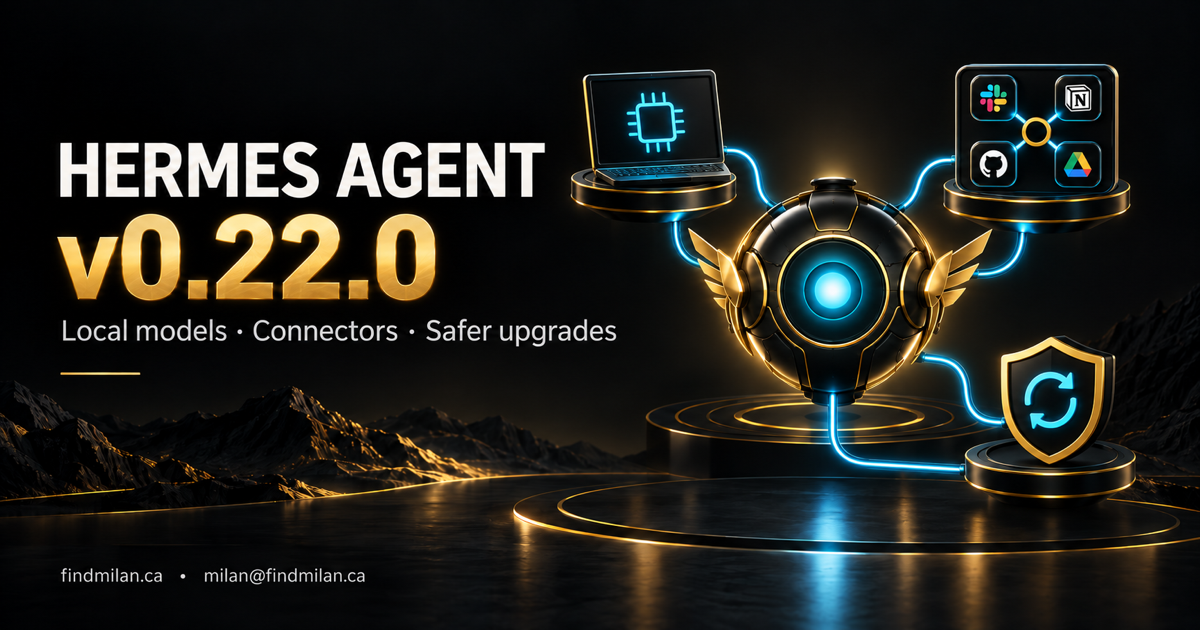
Hermes Agent v0.22.0 makes it easier to connect an agent to business apps or run its model locally—but existing users should review retention and migration settings before upgrading. The important choice is not simply which model to select. It is which parts of the workflow run on your computer, which services receive data and what the agent is allowed to change.
Nous Research calls this the Threshold Release. The official stable release is visible on October 14, with notes dated October 13, 2026. It consolidates the v0.21.1–v0.21.7 patch window. Some capabilities therefore arrived before this full release rather than appearing for the first time today.
Our earlier v0.21.4 guide covered the operational patch summary. This article focuses on the now-documented deployment choices and migration decisions. It is source-based reporting, not a FindMilan benchmark or a claim that we upgraded your installation.
What changed in Hermes v0.22.0?
The release brings together guided desktop setup, hosted app connectors, managed llama.cpp inference, signed desktop distribution and a stable-release update path. For a small team, these affect three separate decisions:
| Decision | New or consolidated capability | Check before adopting |
|---|---|---|
| Connect work apps | Hosted connectors alongside MCP connections | Account, permission scope and destination |
| Run inference locally | Managed model downloads and runtime | Hardware fit and remaining network tools |
| Maintain the installation | Stable releases and prepared dependency environments | Distribution owner, backups and migrations |
The onboarding flow offers a trial-model setup conversation, reducing the need to configure an API key before trying the desktop app. That is an entry route, not a promise that every model, connected service or ongoing workload is free.
Hosted connectors: easier setup still needs scoped access
The Tool Search documentation describes hosted app tools through the Nous gateway. When needed, setup can create a free connectors-only identity; authorization to the individual app remains a separate step. Local MCP connections do not require that guest identity.
For organizations that do not want automatic guest setup, the docs expose nous.guest: false. Hosted connectors can be disabled with tools.connectors.enabled: false. Review the surrounding configuration before changing either setting in an existing environment.
Hermes also supports several named connections to one app. The gateway account documentation makes the account selection important rather than assuming a default.
The cover uses familiar app symbols to illustrate connected work, not a promise that every app uses the same hosted route. For example, the MCP documentation describes Google Drive authentication requirements separately. Check the actual integration and account setup you intend to use.
My practical recommendation: begin with a test workspace and the narrowest useful permissions. Ask the agent to identify the account and target before a write. Reading a ticket does not authorize changing it; connecting email does not authorize sending messages.
Local models: inference and tool traffic are different boundaries
The Local Models guide describes a managed llama.cpp runtime with model downloads, hardware-fit guidance and resumable downloads. Desktop users start in Settings → Providers → Local Models; the terminal route is hermes model → Local models.
After downloading the necessary assets, inference can run without a cloud API key or network connection. That does not make the whole agent offline. A browser visiting a website, a hosted connector reading a document and a fallback cloud model remain separate data paths.
Before using confidential material, inventory those paths. Test a harmless task with network tools disabled, verify the chosen provider and inspect the actual outputs. Hardware recommendations are not guarantees of speed or task quality; a model that fits in RAM may behave very differently from one that fits in GPU memory.
Browser passwords: useful protection, not blanket approval
The credential-vault documentation describes encrypted saved logins and integration with 1Password or Bitwarden. Credentials can be filled into the browser without entering the model conversation, with fills bound to the destination origin.
There is an important documentation mismatch: the release highlight groups card and address fills together as requiring confirmation, but the detailed credential guide says card fills require approval and address fills do not. Do not rely on the broader highlight as an approval policy. Verify the installed behavior and apply your own rules for sensitive actions.
The same guide explains that hiding a password from the model does not hide it from the destination website’s scripts or a cloud-browser operator. Locked password managers, missing logins and interactive authentication can also stop unattended work. Preserve deliberate human approval for purchases, external messages and account changes.
Review retention and compatibility before upgrading
The release’s migration notes deserve attention before the feature list. They describe default pruning of ended sessions inactive for 90 days, with pinned and open sessions excluded. If history is required, review sessions.auto_prune and export or back up what you need before applying the update.
The notes also flag a managed Python 3.14 runtime, a KittenTTS limitation, memory integrations moving into plugins, removal of timed session resets and gateway consolidation. Existing custom plugins and schedules need acceptance tests, not an assumption that a successful launch proves compatibility.
Check the platform support matrix for your installation. Windows MSIX requires Windows 11 22H2 or newer; that is not the same requirement as the Windows CLI. Default macOS desktop distribution targets Apple Silicon. Do not infer packaged desktop availability for every platform from source-install support.
A practical upgrade checklist
Follow the official updating guide for the installation actually running. Managed source checkouts, Store packages, bundled desktop apps, Docker and Nix do not share one update mechanism. The dependency package manager is not an alternative application updater.
For a managed source installation, preview with hermes update --check and inspect the plan with hermes update --plan. Decide whether you need the fuller archive provided by hermes update --backup; quick snapshots have a narrower recovery scope. Store backups securely because they can contain authentication material.
Then:
- Record the current version, installation owner, profiles and selected release channel.
- Back up state and review session retention, plugins and compatibility notes.
- Pause consequential scheduled jobs and upgrade through the correct distribution owner.
- Check
hermes --version,hermes doctorandhermes pm status; checkhermes gateway statuswhere a gateway is used. - Test local inference, account selection, required connectors, browser authentication and one harmless scheduled task separately.
- Confirm each result in its destination system before resuming real work.
Stable and canary desktop applications can still share profile data. Separate binaries are not isolated test databases, and downgrading code does not necessarily reverse a data migration.
Should your team adopt it now?
The strongest reason to evaluate v0.22.0 is a concrete need: local inference, simpler app integration or a more controlled update channel. Start with a representative low-risk workflow and document its expected result. Do not enable every connector or migrate production schedules just because the release bundles more capabilities.
If you need help separating model execution, tool access and human approvals, I provide AI consulting and workflow automation. The Hermes and OpenClaw setup project outlines the surrounding deployment work. A useful agent rollout ends with verified outcomes and a recovery path—not just a completed installer.
Frequently asked questions
What is new in Hermes Agent v0.22.0?
The stable release consolidates the v0.21 patch series and documents guided desktop onboarding, hosted app connectors, managed local inference, signed desktop packages and stable-channel update changes. It also contains migrations that existing users should review.
Does a local Hermes model keep every tool action offline?
No. Local inference can run on your hardware after model assets are downloaded, but hosted connectors, websites and cloud model routes have separate network and data boundaries. Review enabled tools before using sensitive information.
Does Hermes v0.22.0 remove old sessions?
The release notes describe automatic pruning of ended sessions inactive for 90 days, excluding pinned and open sessions. Review sessions.auto_prune and back up history before upgrading if retention matters.
Which update method should I use?
Use the updater belonging to your installation. Managed source checkouts use hermes update, while packaged desktop apps, Docker, Nix and Termux have their own documented distribution paths. Dependency package management is not a replacement application updater.