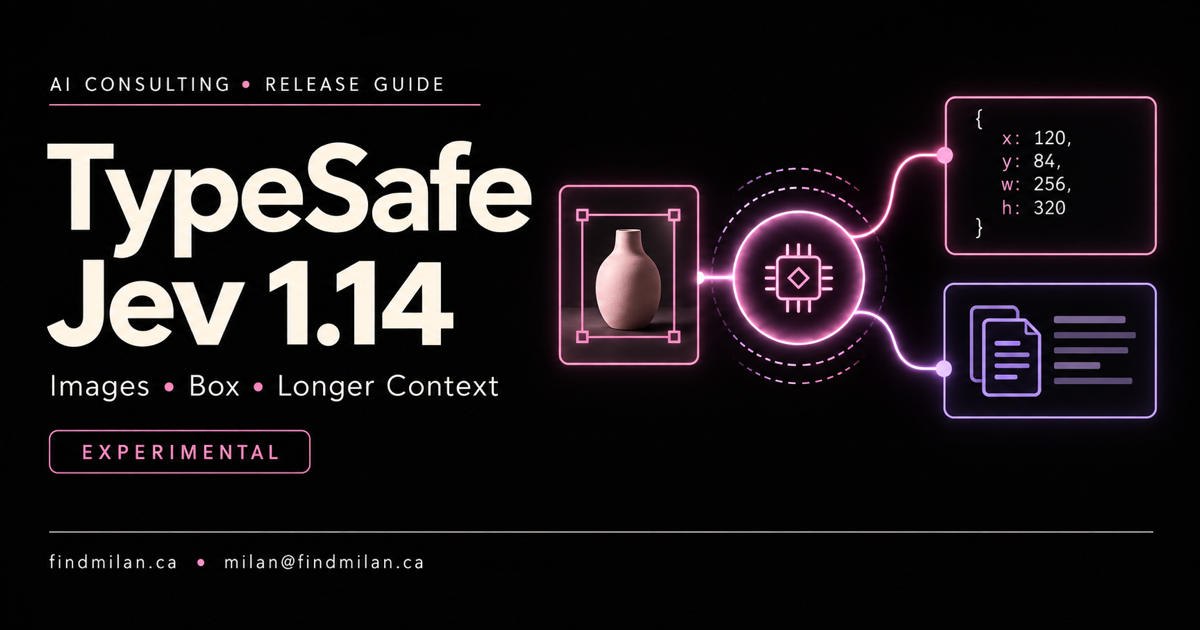
TypeSafe is extending Jev beyond text decisions into experimental visual questions and object location. Its October 14 announcement introduces Jev 1.14.0, an opt-in image workflow, a new Box output type and expanded context limits.
For developers, the interesting opportunity is a bounded visual check inside an application—not another image generator. The important caution is equally clear: TypeSafe does not describe these experimental capabilities as ready for production.
What changed from the earlier Jev workflow
Our earlier Jev review covered typed decisions from text and structured state. This release adds a different input and output surface rather than replacing that basic decision-model approach.
The official announcement separates model improvements from “danger zone” features. Images work with both Jev 1.13 and 1.14; the new Box type requires 1.14. The company expects improvements including multilingual support, but that is its assessment, not an independent performance result.
The practical distinction: a valid answer shape can make integration easier without making the underlying visual judgment correct.
Images are input, not generated artwork
According to the image documentation, requests opt in with:
TypeSafe-Danger-Zone-Images: trueImages are listed in top-level assets and referenced from the state, question instructions or criteria. Use unique references to avoid accidentally replacing ordinary text. Multipart upload is recommended over base64.
Current limits include PNG or JPEG still images, a maximum of 16 MiB per file and dimensions from 280 to 1568 pixels on each axis. Out-of-range images are not automatically resized. Reusing a reference can expand the image again inside the request, so upload size alone does not describe the final input size.
A sensible first prototype might classify a product photo or flag a screenshot for human review. Keep sensitive customer material out of an experiment until your data-handling requirements are satisfied.
Box needs a presence check before a location
The new Box primitive returns one bounding box per question, expressed as top, bottom, left and right fractions from zero to one, plus confidence. It uses type: "box" with instructions and requires an image and Jev 1.14. The cover is a conceptual illustration, not a sample API response; use the documented fractional format in code.
The most consequential limitation is easy to miss: Box has no not-found answer. If the requested object is absent, it still returns coordinates. TypeSafe recommends pairing it with a Noul question about whether the target exists and ignoring the box when presence probability is low.
For an application, separate three decisions:
- Is the target present?
- If present, where is it?
- Is the proposed action permitted?
Those checks are not substitutes for each other. A coordinate does not prove an object exists, and a correct location does not authorize a click, deletion or approval. Choose thresholds from your own labeled examples; the documentation does not provide a universal confidence cutoff.
Longer context and model aliases have separate risks
The current model documentation lists default limits of 64k tokens per request and 32k per question. The opt-in header below raises both to 262k:
TypeSafe-Danger-Zone-Long-Context: trueTypeSafe warns that the expanded mode is slower and less accurate. The token price stays the same, but processing more tokens can still increase a request’s cost. Both versions are listed at $0.042 per million input tokens, with free output; this is not a new price reduction.
As checked October 16, jev-latest points to jev-1.13.0 and jev-preview to jev-1.14.0. The announcement says the latest alias will move after a week; do not assume that has happened already. Pin a version and record the returned model ID when comparing behavior.
How to evaluate a useful prototype
FindMilan’s recommendation is to start with a review queue, not unattended computer control. For example, an internal tool could suggest a crop around a known component while leaving acceptance to a person.
Build a small test set containing clear targets, absent targets, multiple similar objects, poor lighting and awkward framing. Keep a separate holdout set rather than tuning every instruction on the examples used for the final evaluation.
Record the model version, headers, source image, presence result and proposed box. Inspect false positives as carefully as successful examples. A plausible box around the wrong object can be more dangerous than an obvious error.
Test the ordinary limits before enabling longer context. If a short, focused question solves the problem, a larger input may add cost and ambiguity without improving the result. Preserve required human checks and application permissions throughout the experiment.
What this means for teams building applications
Jev’s typed interface is useful to evaluate when a product needs a bounded decision or location rather than a conversational answer. The new release broadens that evaluation to images, but it also creates new failure states developers must handle explicitly.
For a team planning that integration, AI consulting and application development can help define the evaluation and decision boundaries. Our AI Web Awards platform illustrates broader AI-product delivery work; it is not presented as a deployment of these experimental Jev features.
The next step is a measured prototype with a clear fallback—not a claim of production readiness based on typed output alone.
Official sources
- TypeSafe: Jev for builders and dreamers
- TypeSafe image inputs and limits
- TypeSafe Box primitive
- TypeSafe models, aliases, context and pricing
Sources checked October 16, 2026. Suggested evaluation steps are FindMilan’s interpretation; no private API test or independent benchmark is claimed.
Frequently asked questions
Are Jev’s new image and Box features production-ready?
No. TypeSafe explicitly describes them as experimental and suitable for prototypes. Request formats, limits and accuracy may change.
Which Jev model supports Box questions?
Box requires Jev 1.14 and the image opt-in header. As checked October 16, jev-preview points to jev-1.14.0 while jev-latest still points to jev-1.13.0.
What happens if a Box target is absent?
Box has no not-found response and still returns coordinates. TypeSafe recommends a separate Noul presence question and ignoring the box when presence probability is low.
Does the long-context flag make Jev more accurate?
No. It increases the request and per-question limits to 262k tokens, but TypeSafe warns that it is slower and less accurate than the default limits.