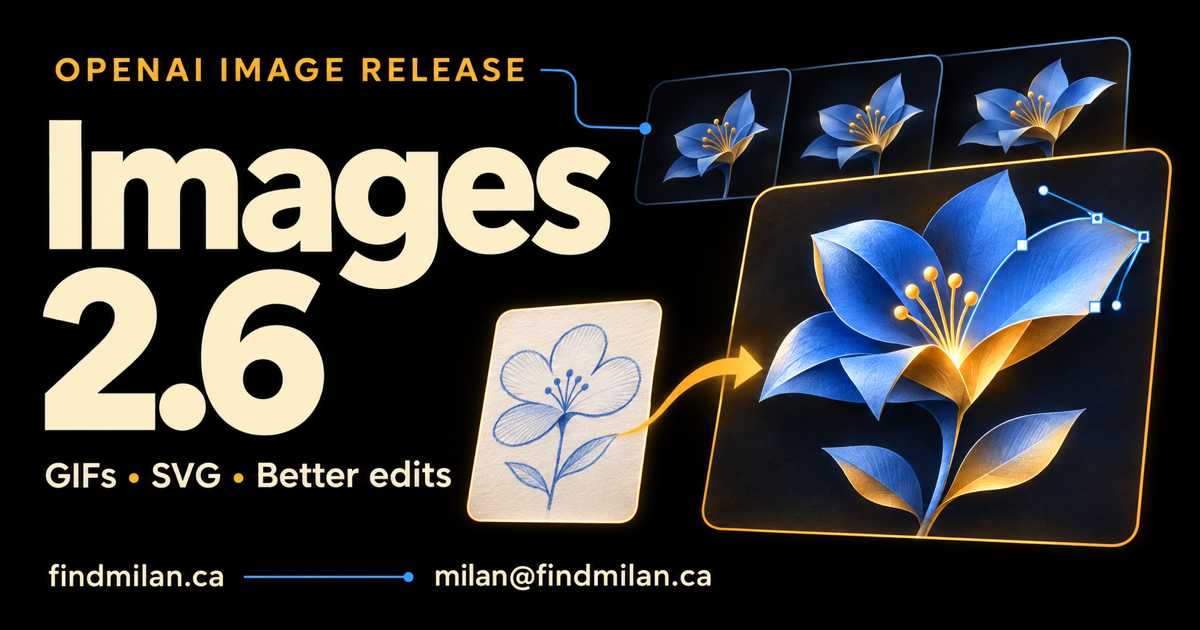
OpenAI has released Images 2.6 in ChatGPT, Codex and the API, adding GIF creation and more control over editing workflows. Developers also get SVG generation, markup-guided edits and a separate complexity control. The practical opportunity is to carry an idea through more stages of visual production while checking what survives each transformation.
The November 4 announcement is a new release beyond the Images 2.5 guide. This article explains the verified changes and my suggested checks for teams building image tools. OpenAI announcement
What changed in Images 2.6?
OpenAI says generation is 50% faster than before. It positions GPT-Image-2.6 Flare for quick iteration and GPT-Image-2.6 Sunburst for more detailed work and stronger editing consistency. The six-second example in the announcement applies to Flare at low quality and describes a best-case time. Release details
For a production team, measure elapsed time from request to an accepted asset. Include spelling checks, resizing, revisions and export inspection. A faster first result is valuable when it also reduces the work needed to finish the asset.
Use the same source image and a fixed editing brief when comparing models. Check the subject’s proportions, brand colors, text and background details after each edit. Record unexpected changes alongside successful changes.
How do GIFs and SVGs work in the API?
The Image API supports both through the generation endpoint. The edit endpoint does not return GIF or SVG output. SVG generation requires one output and returns static vector content. GIF generation exposes frame count and duration controls. Image API documentation
That distinction matters when designing an export button. Test each output route with a real response before promising the same behavior across generation and editing.
For a GIF, inspect the first-to-last-frame transition, persistent details and the final file size. If the animation goes on a website, provide a suitable static presentation for users who prefer reduced motion. For an SVG, open the exported file at several sizes and inspect the shapes, colors and text appearance in the intended application.
My suggested first test is one simple illustrated subject with a clear silhouette. It makes unwanted shape changes easier to detect than a busy scene with many moving elements.
What do markup and complexity add?
Markup gives an editing request a separate annotation layer to indicate the intended change. Complexity controls planning, while quality controls rendering fidelity. The guide documents low, medium and high complexity, with high used when omitted. Editing and complexity controls
Set both deliberately in an integration. A focused background edit and a dense poster layout need different evaluation criteria. Keep the original artwork and request with the result so reviewers can compare the same region at the same dimensions.
For a product photograph, define the protected details before sending the edit. Those might include the label, package proportions and material finish. A region annotation should be treated as guidance to inspect, rather than evidence that everything outside it stayed identical.
What does Images 2.6 cost?
The current standard API table lists the same token rates for Flare and Sunburst. Prices below are in US dollars per million tokens. Official API pricing
| Token type | Standard rate |
|---|---|
| Text input | $5.00 |
| Cached text input | $1.25 |
| Image input | $8.00 |
| Cached image input | $2.00 |
| Image output | $30.00 |
These are token prices, so they do not establish one fixed price for every finished image. Budget using representative requests, including reference inputs and editing rounds. Check the selected model, dimensions and quality alongside actual usage.
A useful cost measure for an internal pilot is spending per accepted asset. Keep rejected outputs and revision costs in that calculation. It will give a team a clearer comparison than the cost of a single attractive example.
Who can use it, and what should you test first?
OpenAI says Images 2.6 is available globally across all subscription tiers in ChatGPT and Codex on desktop, mobile and web. Both API models are available as well. Availability
Before changing an existing workflow, run a small evaluation with its real requirements. Include an edit that preserves a product, a graphic with exact copy, a vector export and a short loop. Decide who accepts the result and what evidence they inspect.
Better consistency still calls for checking factual content, typography and brand details. Keep a human review point before publishing customer-facing assets. For teams turning these capabilities into a product, my AI consulting work and AI Web Awards platform provide related development context.
Frequently asked questions
Where is Images 2.6 available?
OpenAI says Images 2.6 is available globally in ChatGPT and Codex across all subscription tiers on desktop, mobile and web. Flare and Sunburst are also available in the API.
What is the difference between Flare and Sunburst?
OpenAI positions GPT-Image-2.6 Flare for fast iteration and Sunburst for detailed visual work and stronger consistency across edits.
Can the Images 2.6 edit endpoint return SVGs or GIFs?
The documentation supports SVG and GIF output through the image generation endpoint. The image edit endpoint does not support those output formats.
Does complexity mean image quality?
Complexity controls planning before rendering. Quality separately controls rendering fidelity. The documented complexity levels are low, medium and high, with high used when omitted.