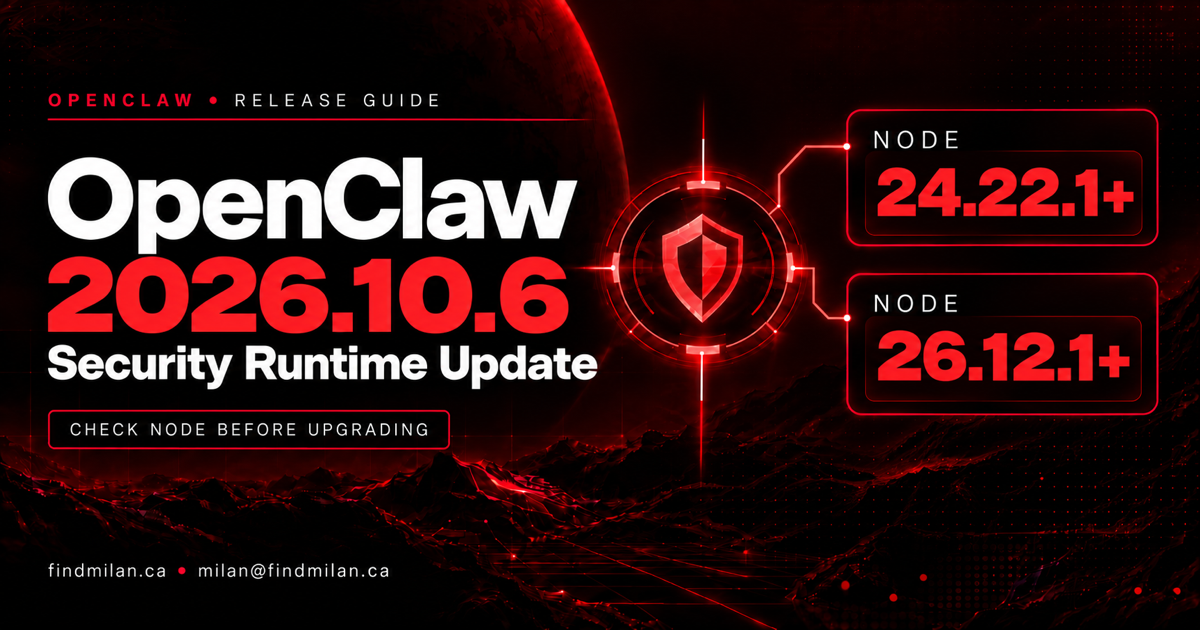
OpenClaw 2026.10.6 raises the runtime security floor: check Node before upgrading, then verify the runtime used by the running service. On Node 24, the new minimum is 24.22.1; on Node 26, it is 26.12.1. Installing the application package is only part of the job.
The October 22 stable release is a security and reliability update, not a new user-facing feature launch. It is separate from the 2026.10.5 Workshop and sharing changes. This guide focuses on runtime ownership, source-build tooling and evidence that an update reached the process doing your work.
What changed in the runtime requirements?
The tagged package manifest specifies the engine range >=24.22.1 <25 || >=26.12.1. For operators on the documented Node 24 and 26 lines, the practical checks are:
| Runtime or delivery path | Release requirement or change | What to verify |
|---|---|---|
| Node 24 | Minimum 24.22.1 | The service uses a patched 24.x runtime |
| Node 26 | Minimum 26.12.1 | The service uses a patched 26.x runtime |
| Docker | Release images ship Node 24.22.1 | Your running container was actually replaced |
| Source tooling | Pinned pnpm 12.15.0 | The native package-manager runtime is also updated |
The release says installers select patched runtimes and openclaw update refuses an older runtime before installation, with recovery guidance. Treat that refusal as a useful boundary. Do not work around it by weakening TLS checks or forcing an unsupported runtime through the update.
Node’s security advisory also includes a patched Node 22 release. That does not mean Node 22 satisfies OpenClaw’s current engine requirement. Nor should the manifest’s open-ended range be read as a blanket compatibility promise for every future Node major.
Why the Node security release matters
The Node.js October 21 security advisory includes dependency updates responding to an eMudhra intermediate certificate-authority compromise, alongside fixes affecting DNS, TLS and other components. The Node 24.22.1 notes and 26.12.1 notes document rejection of certificate chains containing blocked public keys.
That is a reason to patch trust handling, not evidence that your OpenClaw deployment was breached. Avoid turning the advisory into an unsupported claim about stolen credentials or confirmed exploitation of a particular installation.
My recommendation is to investigate a connection that fails after a trust update rather than restoring blocked trust to make the error disappear. Keep certificate validation enabled and establish which endpoint, chain and runtime are involved.
Source builders have a second runtime to check
Changing the Node executable in your shell does not necessarily patch every tool that makes network requests. The OpenClaw runtime-security change identifies the native pnpm executable as a separate TLS-runtime concern.
This release pins pnpm 12.15.0. Follow that project’s pinned toolchain instead of substituting a generic instruction to install the latest pnpm tag. Package-manager distribution tags and the version qualified by a project are not interchangeable evidence.
For a source installation, record both the application runtime and the package-manager version used by the build/update process. For a managed installation, use its supported installer rather than mixing a source-build repair into a packaged application’s update path.
Reliability fixes still need outcome checks
The exact tagged changelog also describes update admission, state-preservation and queued-work corrections. These matter to persistent agents: an updater should not replace files in an unsafe service state, and a migration should preserve problematic source data and recovery evidence rather than silently discard it.
The release includes fixes around child results, replies and stopped work. Those are bounded corrections—not a guarantee that every external action happens exactly once, every backup is restorable or every scheduled task completes. Keep existing operator approvals for messages, publication, purchases and deletion intact.
My upgrade checklist for a persistent agent
These are recommended operational checks, not a claim that FindMilan tested or upgraded your server:
- Identify the installation owner: service, container, source checkout or packaged application. Record its application and runtime versions.
- Preserve and verify a backup of persistent state before changing the runtime or application. Record the restore boundary and any work created afterward.
- Follow the supported update path to stable 2026.10.6. Source builders should use the pinned package-manager version.
- Restart or recreate the managed service/container as appropriate. Verify the runtime of the actual running process, not only
node --versionin an interactive terminal. - Test a normal reply, a harmless child task and a read-only scheduled delivery. Confirm the result in its destination, not just in a success log.
- Investigate TLS or recovery failures without disabling certificate validation, erasing state or broadening agent permissions.
An updated shell, downloaded image or successful installer is an intermediate signal. The acceptance condition is the patched running system completing a representative task while preserving its controls and data.
For help with a controlled rollout, see OpenClaw setup and support, workflow automation and the agent setup project.
Frequently asked questions
Which Node versions does OpenClaw 2026.10.6 require?
Use at least 24.22.1 on Node 24, or 26.12.1 on Node 26. A Node 22 security patch does not make that line supported by this release.
Does updating my terminal’s Node patch the running Gateway?
Not necessarily. Services, containers and packaged installations may use another executable. Check the actual running process after the update.
Why does pnpm matter to source builders?
Its native executable has an independent TLS runtime. This release pins pnpm 12.15.0; updating shell Node alone does not prove the toolchain is patched.
Does this release prove an OpenClaw deployment was breached?
No. It raises security requirements and fixes specific reliability paths. The cited sources do not establish compromise of a particular deployment.
Frequently asked questions
Which Node versions does OpenClaw 2026.10.6 require?
On the supported Node 24 line, use 24.22.1 or newer within that line. On Node 26, use 26.12.1 or newer. Node 22 receiving its own security update does not make it supported by this OpenClaw release.
Does updating my terminal's Node patch the running Gateway?
Not necessarily. A service, container or packaged installation can use a different runtime. Verify the runtime of the actual running process after following the installation's supported update path.
Why does pnpm matter to source builders?
The native pnpm executable has an independent TLS runtime. OpenClaw pins pnpm 12.15.0 in this release; updating shell Node alone is not proof that the source toolchain is patched.
Does this release prove an OpenClaw deployment was breached?
No. The release raises runtime security requirements and includes reliability fixes. The cited announcements do not establish that a particular OpenClaw installation was compromised.